
Download Project Brutality – Brutal Doom Mod, GZDoom, Fast-Paced FPS
Overview
Project Brutality is a standalone mod that reimagines the classic Doom experience with a heavier focus on intensity, speed, and combat variety. Originally derived from Brutal Doom, it has matured into a fully independent project with its own identity, offering players a more aggressive and visually dynamic interpretation of the Doom franchise. The mod is designed for fans of fast-paced first-person shooters who crave a more challenging and visceral gameplay experience. It caters to both newcomers exploring the Doom universe and veterans seeking a fresh twist on familiar mechanics.
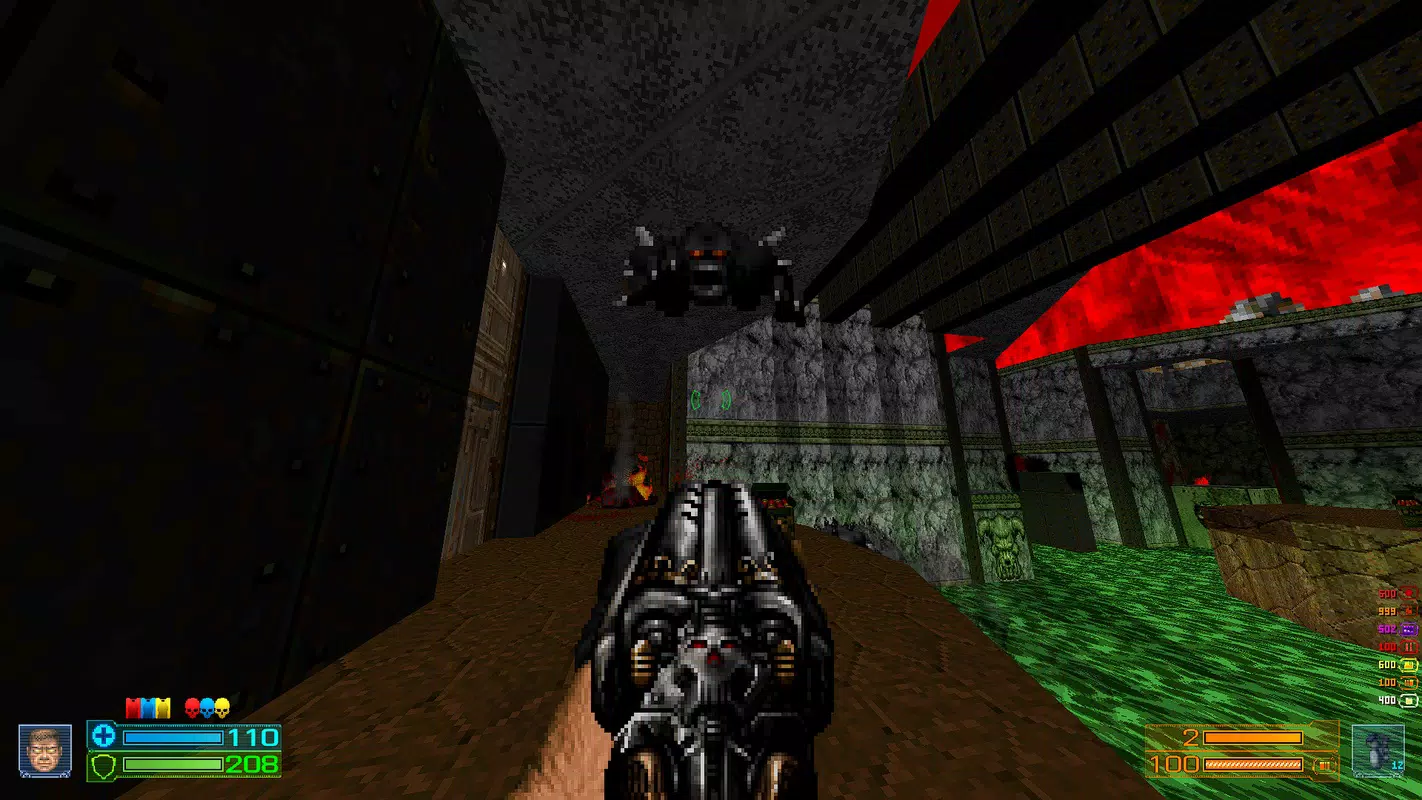
By introducing a new campaign mode, expanded enemy roster, and a diverse arsenal of weapons, Project Brutality transforms the original Doom 2 into a more layered and immersive experience. It addresses the desire for modernized visuals and responsive gameplay while preserving the core identity of the original game. The mod’s emphasis on dynamic movement and combat mechanics reflects a growing trend in retro FPS reimaginings—enhancing legacy titles without losing their nostalgic essence.
The developer did not provide additional technical details. However, the mod’s popularity within the Doom modding community suggests a strong foundation of community-driven development and testing. Real-world use cases include solo play sessions, speedruns, and multiplayer challenges, making it a versatile tool for different playstyles. In the broader app ecosystem, Project Brutality stands out as a significant contribution to the retro gaming revival, bridging classic design with modern expectations.
Key Features & Functionality
- Seamless Installation Process: The mod uses a simple drag-and-drop method for PK3 file integration, requiring only GZDoom and the mod files. This user-friendly approach allows players of all experience levels to set up the game quickly. Using Freedoom as a substitute for original IWADs further streamlines the process, making it accessible even to those without the original Doom assets.
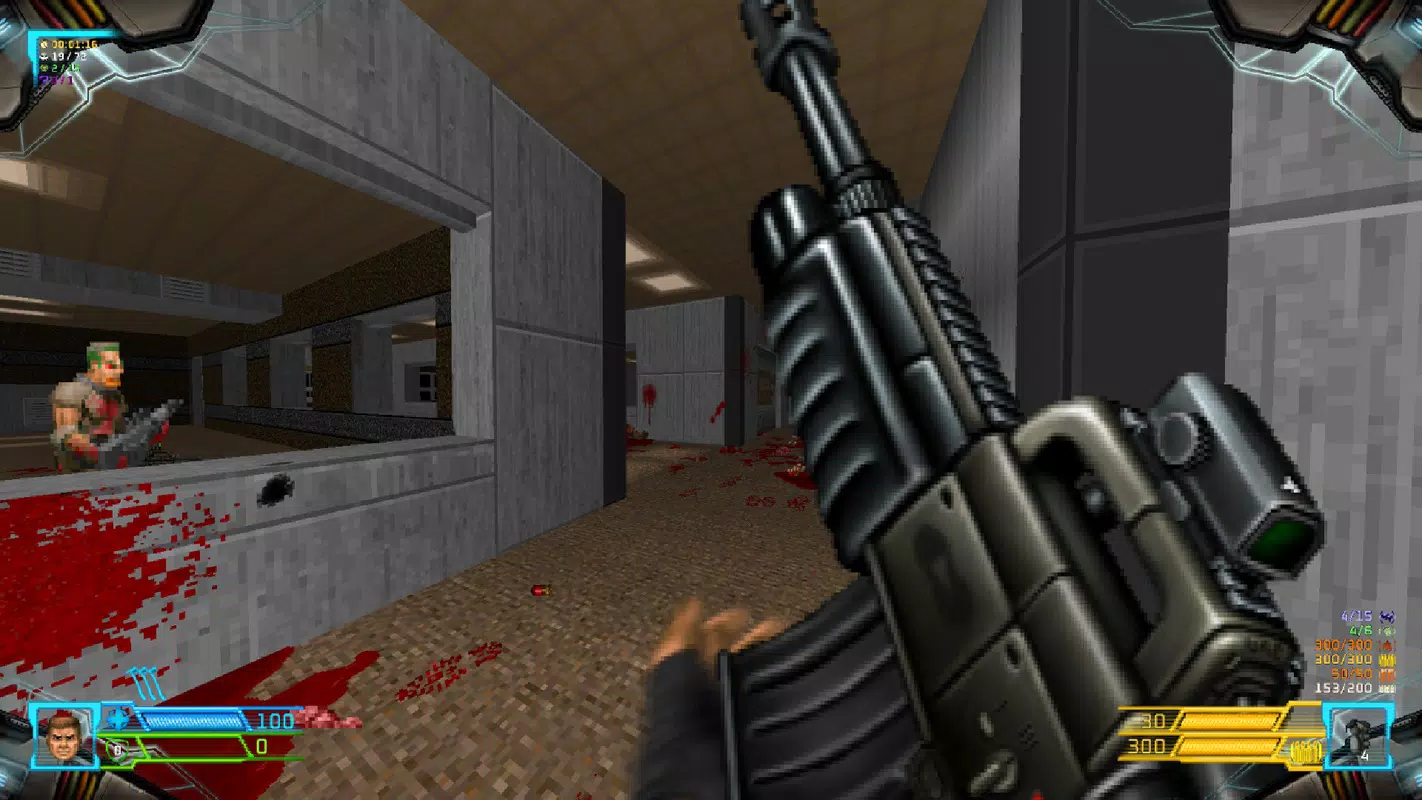
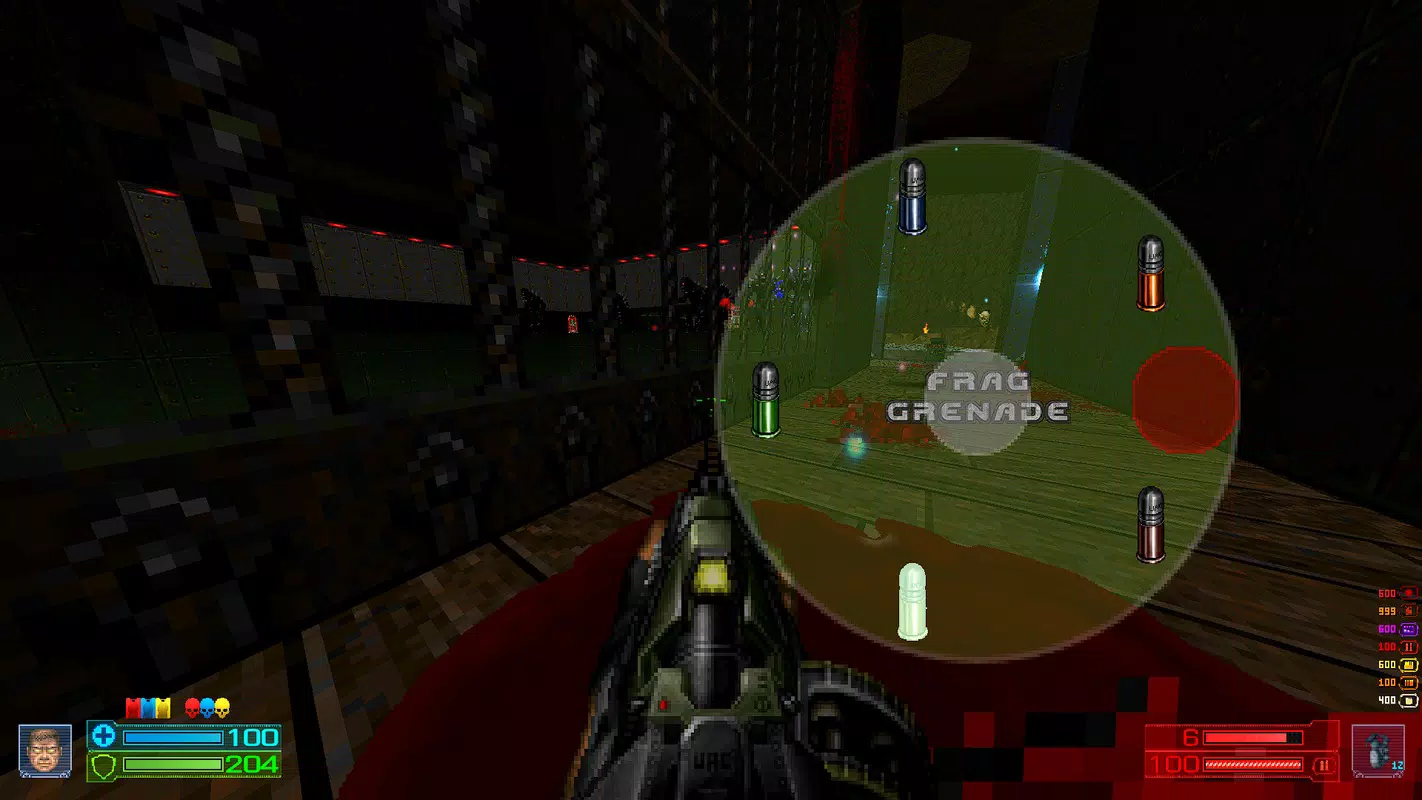
- Expanded Arsenal of Weapons: Over 20 new weapons are included, introducing advanced combat options not present in the original game. These additions encourage experimentation with different loadouts and tactics, enhancing replayability and strategic depth. Each weapon is designed to fit within the mod’s brutal tone, offering varied damage profiles and unique firing mechanics.
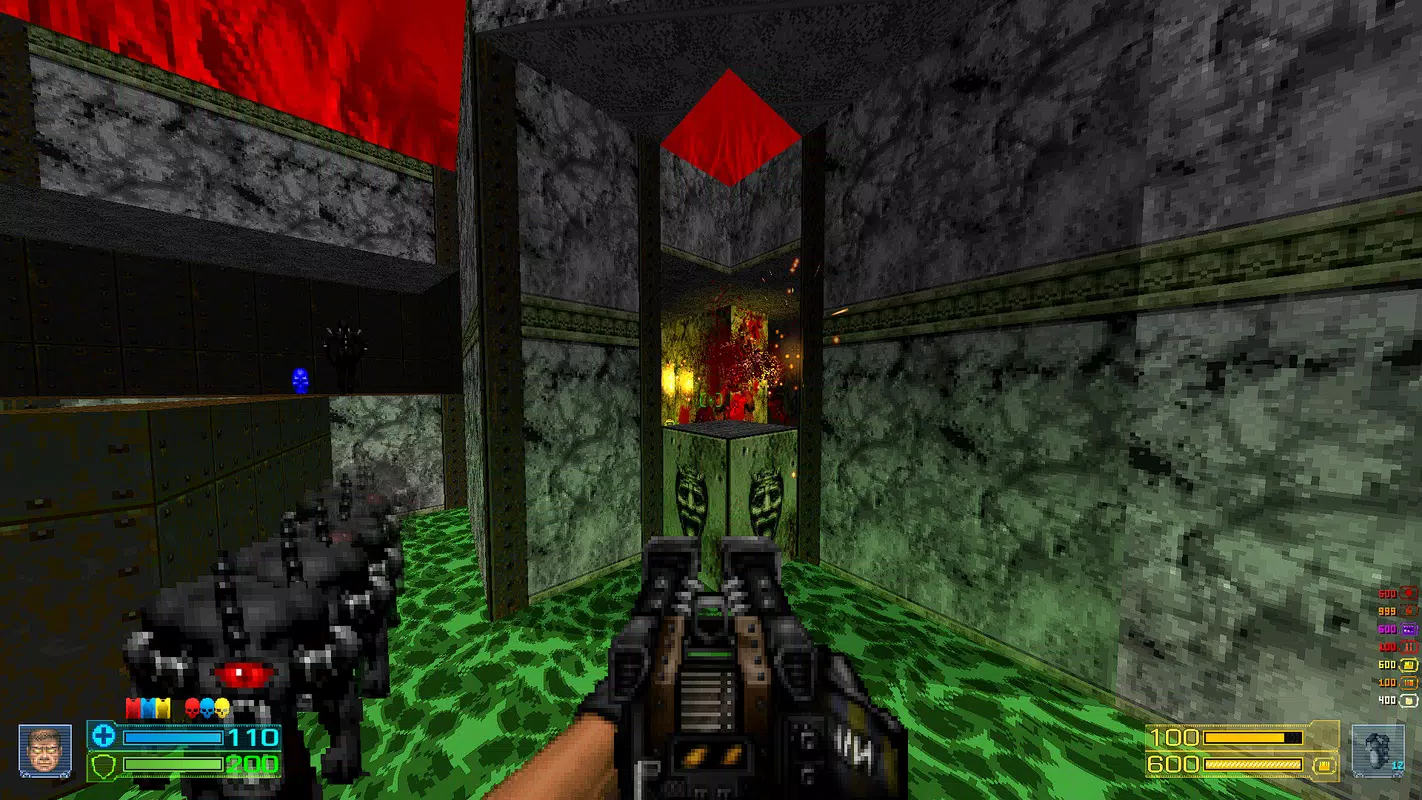
- Enhanced Enemy Variety: The mod introduces more than double the number of enemies compared to the original Doom, including reimagined versions of classic demons. These new foes come with altered behaviors and attack patterns, forcing players to adapt their strategies in real time. This diversity ensures that combat remains unpredictable and engaging across extended play sessions.
- Dynamic Gameplay Mechanics: Features such as dual-wielding, sliding, and double jumping add a new dimension to movement and combat. These mechanics allow for fluid transitions between attack and evasion, enabling players to execute quick melee strikes or reposition mid-combat. This responsiveness enhances the sense of control and momentum, making each encounter feel more intense.
- Visually Stunning Experience: Project Brutality features significantly upgraded graphics, including improved lighting, textures, and particle effects. These enhancements elevate the atmosphere of the game, creating a more immersive and cinematic experience. The visual overhaul ensures that the game feels modern while staying true to the original’s aesthetic roots.
Interface, UX & Performance
The user interface of Project Brutality is minimal and functional, relying on GZDoom’s built-in HUD and menu system. The layout is consistent with the original Doom engine, ensuring familiarity for returning players. Visual elements are clean and unobtrusive, allowing the action to remain the focal point. Navigation within the mod’s settings is straightforward, with options accessible through the standard GZDoom configuration menu.
Although the developer did not list formal performance metrics, the mod is designed to run efficiently on mid-range hardware. The drag-and-drop installation process contributes to a stable and predictable setup, reducing the risk of configuration errors. Responsiveness during gameplay appears consistent across various device categories, though specific performance data was not disclosed. Stability is maintained through the use of well-tested engine components and community feedback.
Players can expect smooth frame rates in most scenarios, especially when running on devices capable of handling the GZDoom engine. The mod does not introduce excessive resource demands beyond what is typical for a modernized retro FPS. Overall, the UX prioritizes accessibility and performance, making it suitable for both casual and dedicated players.
Platform Compatibility & Technical Requirements
Project Brutality is designed to run on the GZDoom engine, which supports multiple platforms, including Windows, macOS, and Linux. The developer did not specify minimum OS requirements or exact file size. Compatibility information was not fully disclosed, but the mod is intended for desktop environments due to the nature of the engine and input demands.
Players must have GZDoom installed prior to using the mod. The mod files are distributed as a PK3 archive, which is compatible with the engine’s plugin system. The software version is 2024-12-17, indicating a recent update. While the developer did not provide detailed technical specifications, the mod is structured to integrate seamlessly with the engine’s architecture.
Pros and Cons
Pros
- Intuitive drag-and-drop installation process with minimal setup
- Over 20 new weapons expand combat variety and replayability
- Significantly increased enemy count with unique behaviors
- Dynamic movement mechanics enhance gameplay fluidity
- Visually enhanced graphics maintain retro feel while modernizing appearance
Cons
- Requires GZDoom engine and additional setup steps
- Not available as a standalone mobile app
- Compatibility details not fully disclosed
- May require higher system resources than original Doom
- Limited support for mobile or touch-based input
FAQ
Is Project Brutality free to download?
Yes, Project Brutality is available at no cost. It is distributed as a mod for GZDoom and does not require a paid license.
Can I play Project Brutality on mobile devices?
Currently, Project Brutality is not designed for mobile platforms. It requires the GZDoom engine, which is not available on Android or iOS in a compatible form.
Do I need the original Doom game to play?
No, you can use Freedoom as a substitute for the original IWADs. This allows access to the mod without purchasing the original Doom game.
How do I install Project Brutality?
Download GZDoom and the Project Brutality PK3 file. Then, simply drag and drop the PK3 file into the GZDoom directory. The mod will be available in the game launcher.
Is the mod regularly updated?
The mod was released on 2024-12-17. While the developer did not provide update frequency details, the mod’s active community suggests ongoing maintenance and support.
Final Thoughts
Project Brutality delivers a bold and immersive evolution of the Doom experience, combining the raw energy of the original with modern enhancements. Its expanded arsenal, dynamic mechanics, and visual upgrades make it a standout choice for fans of retro FPS games. While not available on mobile, it excels as a desktop-focused mod for players seeking intensity, variety, and depth.
Whether you're revisiting the Doom universe or discovering it for the first time, Project Brutality offers a compelling reason to return. Its seamless setup and rich gameplay make it a valuable addition to any retro gaming library. For those who appreciate fast-paced, brutal combat and creative design, this mod is a must-try.
Download Project Brutality now


